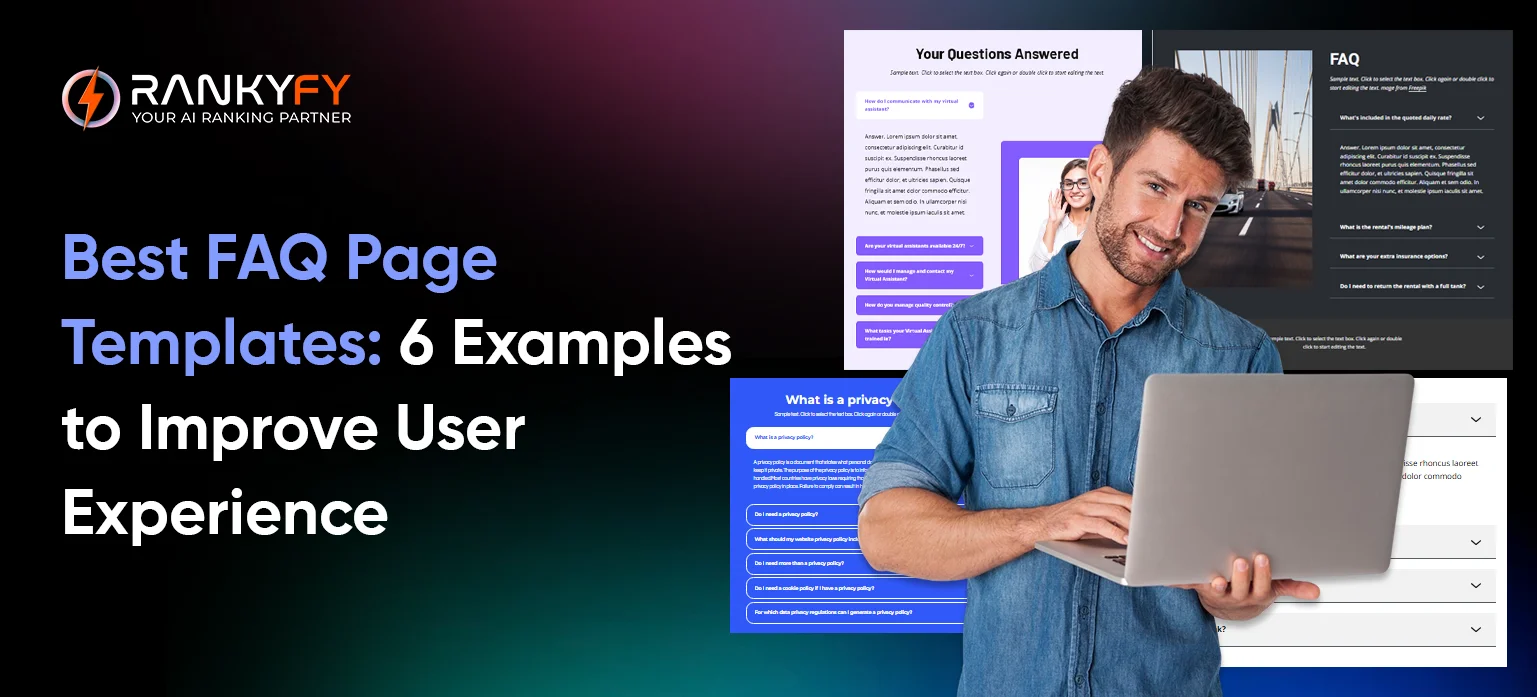
An FAQ page is one of the most searched pages for a brand. This section also gains the highest user base for its unique questions and user-centric data. Done right, it helps you to keep your users and the extra support demands on your site. On the other hand, an FAQ page that is badly designed can increase bounce rates.
We’ll focus on helping you organize and boost your overall website experience. This guide will help you choose the best FAQ page template for your brand. Let's find out the 6 best FAQ page templates you can use to improve usability and SEO.
What Makes an Effective FAQ Page Template
A good FAQ page template is designed for clarity. It has a good layout, and it is user-friendly. Users usually visit FAQ pages with a direct problem. They need simple answers that are direct as well.
A good template presents the popularly searched questions clearly. This allows the user to find the information they need in seconds. Also, it should be SEO friendly so that search engines rank you higher.
Why Should Brands Use FAQ Page Templates
- Faster Information Discovery
FAQ templates organize questions in a clean layout, helping users locate answers quickly without scrolling endlessly.
- Reduced Support Queries
Support tickets will be less frequent if users find the answers to their questions in FAQs.
- Higher Trust and Credibility
Clear and transparent answers show professionalism and make users feel confident about your brand.
- Improved User Retention
Well-designed FAQ pages keep users engaged. It makes them stay longer and engage with the brand.
Key Elements of Top FAQ Pages
- Logical Question Grouping
Questions should be grouped by topic and queries. It reduces confusion and improves readability.
- Search or Filter Functionality
A search bar helps users instantly find answers, especially on large or content-heavy FAQ pages.
- Clear Headings and Expandable Sections
Expandable sections with details that open on demand keep the page clean.
- Internal Linking for Connectivity
Linking to blogs and product pages helps users to navigate. It helps them to know more about the topic.
6 Best FAQ Page Templates (With Examples)
- Accordion-Style FAQ Template
Feature:
Best for compact, mobile-friendly layouts.
Accordion-style FAQs reveal the answers by opening and closing on the same page. This makes the page look clean and easy to scan.
Example:
A local service website with 10–15 common questions.
- Category-Based FAQ Template
Feature:
Ideal for SaaS, enterprise, and large websites
Templates based on categories split FAQs into groups such as Account or Pricing. This format guides users through a high-complexity product or service with multiple features.
Example:
A SaaS platform separating FAQs into tabs.
- Search-Enabled FAQ Template
Feature:
Designed for content-heavy platforms
Searchable FAQs pages where you can enter a question and get results in real time. This theme is perfect for knowledge bases, marketplaces, and enterprise applications with thousands of questions.
Example:
An enterprise help center where users can search.
- Conversational FAQ Template
Feature:
Human-first approach for engagement and clarity
This template uses natural, conversational language instead of robotic answers. Questions seem like actual user queries, and answers sound friendly and useful.
Example:
A startup website using top searched questions.
- Visual FAQ Template
Feature:
Uses icons, images, or cards for faster scanning
Visual FAQ templates use icons, cards, or illustrations to represent questions. This helps users scan faster and understand topics instantly.
This design is effective for creative brands, apps, and e-commerce websites targeting visual learners.
Example:
An eCommerce website showing FAQ cards with icons.
- SEO-Optimized FAQ Template
Feature:
Built for featured snippets and rich results
SEO-friendly FAQ templates follow heading tags and schema markup. It also consists of a question-answer format.
Example:
A blog FAQ section answering queries.
How to Choose the Right FAQ Template for Your Website
You can focus on choosing the right template as follows:
- Based on Website Size and User Intent
Smaller websites may benefit from accordion-style templates, while large platforms need category-based or search-enabled layouts.
- Matching FAQs With the Buyer Journey
Users at the top of the funnel are looking for general questions. Users at the bottom of the funnel search for pricing and specifications. Growing a template for the user intent can increase conversions.
Effective Creation of FAQ Pages With RankyFy For SEO Best Practices
Creating an FAQ page should not rely on guesswork. RankyFy helps you discover real user queries, trending search questions, and keyword opportunities.
By using RankyFy, you can:
-
Identify frequently searched questions
-
Optimize answers for SEO and snippets
-
Structure FAQs based on user intent
-
Reduce irrelevant or low-impact questions
Conclusion
A good FAQ page is not simply a list of questions and answers. It is a complete user support section for your websites. It enhances user interaction, increases engagement, and increases the trust level to help SEO.
With the help of the right FAQ page template and tips, you can make your FAQ page a strong conversion and traffic tool. With the whole site SEO audit from RankyFy, you get your website audited so that you cover all your top pages for FAQs.
What to read next

How to Build Topical Authority in Any Niche
In 2026, ranking a website page on Google is no longer enough to dominate the...
Read More
Complete SEO Audit Checklist for 2026
In 2026, the search engine landscape remains competitive. It has evolved more than just basic...
Read More
Top Forum Submission Sites
Off-page optimization strategies play an important role in visibility. Among many such strategies, a powerful...
Read More
List of Image Submission Sites
In the ever-evolving landscape of search engine optimization (SEO), visual content has become a powerful...
Read More