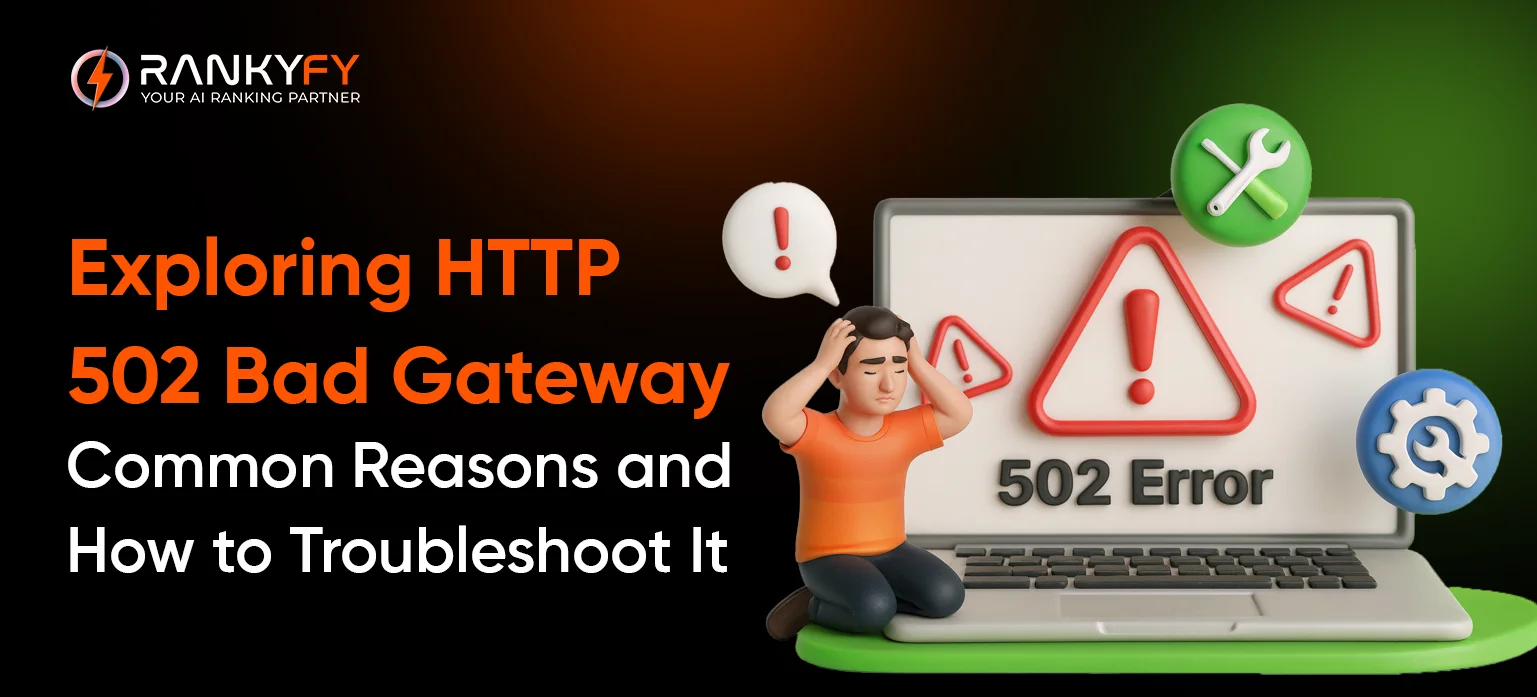
All of you must have seen a blank screen with the words "502 Bad Gateway." Let’s get to know what it is. It results from server errors that show poor communication or an inability to connect to the server. It's not just bothersome; it's a bouncer and a poor sign for a website's expansion. Such mistakes on websites are not appreciated by Google and could be detrimental to SEO.
What's good? Such an error is manageable for you. It all boils down to a glitch in the data that happens behind the scenes, whether it's excessive traffic on your website, an overly strict firewall, proxy configurations, or even DNS issues interfering with the address book. Once the reason is identified, troubleshooting becomes more like a quick fix rather than like blindfolded whack-a-mole.
In this blog post, we will walk you through a complete guide that will examine how a certain HTTP 502 status code error is rectified, the reasons for its occurrence and functioning, and most importantly, how an AI tool can help you overcome this error.
See also - 422 status code
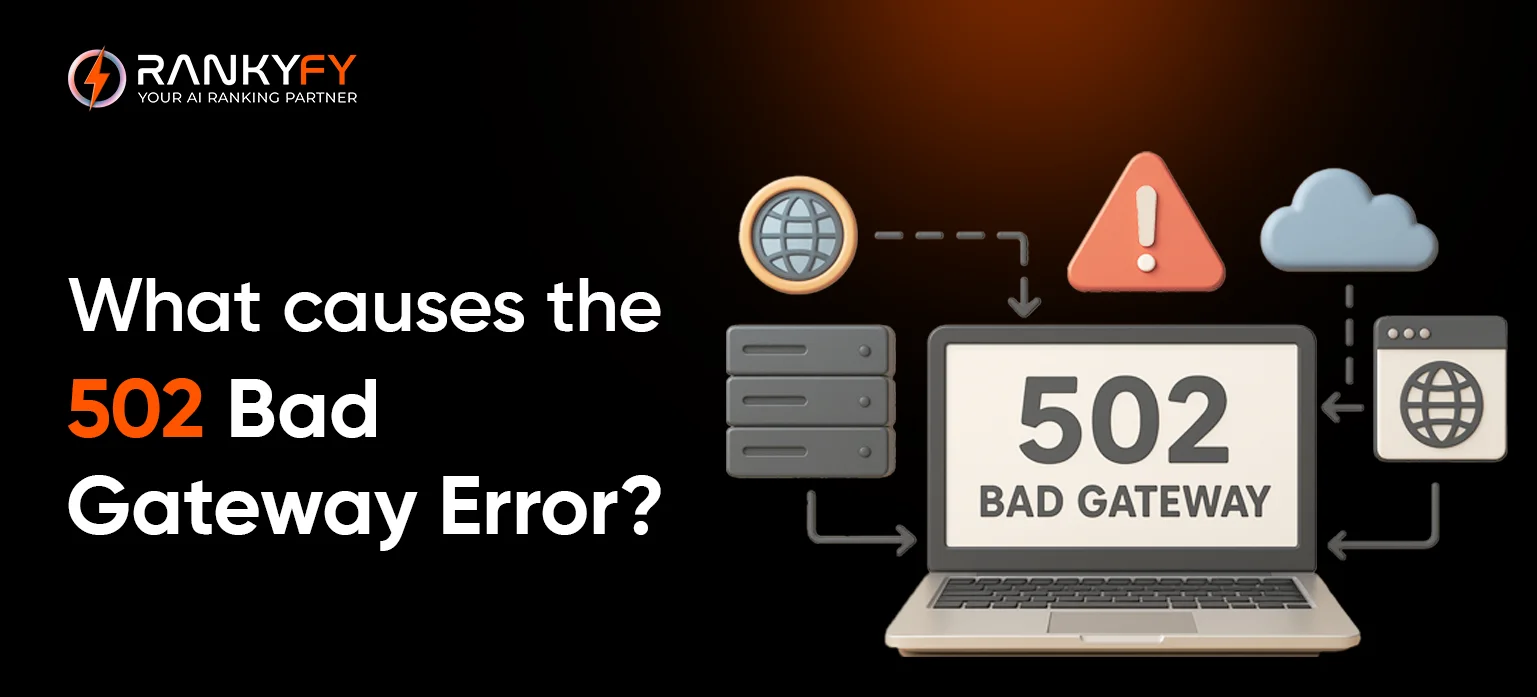 The cause of an error 502 might start with your browser, hosting service, or CMS. Some of the causes are listed here:
 When the server is not responding, it either returns a 500 or 502 error. Error 500 is caused by link failure, and error 502 is due to confusion of HTTP requests. The good news is that you can use AI-powered tools like RankyFy to solve the issues instantly. During an audit, this AI-powered site audit tool can find technical issues. This is what makes it revolutionary:
Rankyfy is an AI audit tool that will help you conduct a site audit in seconds and map out the issues. It is a time-saving tool available to everyone. Betting on AI tools like this isn't just smart; it's essential for running a site that's always on, always smooth, and always pulling in the crowd that keeps your business buzzing.
Understanding the 502 Status Code Error
Users see a blank screen or a specific diagnostic message when a 502 Bad Gateway problem occurs on a site. When a gateway or proxy server tries to retrieve information for a webpage but gets an incorrect or insufficient answer, this error occurs. This can happen due to miscommunication or any other technical site issue. This error may appear in various forms, such as "502 Bad Gateway," "502 status code," "HTTP Error 502 – Bad Gateway," or a featureless white screen. Associated notifications often include phrases like "The proxy server received an invalid response from the upstream server" or "502 Service Temporarily Overloaded," which collectively indicate a compromise in the backend data pipeline, thereby preventing the webpage from rendering correctly.- Hit refresh: 9/10 times, a refresh technique works, and you can browse
- Switch browsers: Sometimes the browser is not accepting webpages. This can happen regularly. In such cases, opening another browser helps.
- Test on another device: if the error is continuously appearing, try switching the device.
- Restart your browser (or the whole computer): Clear cookies and refresh the browser.
- Clear cache and cookies: Clear history to remove junk data from the browser
- Go incognito or disable extensions: Some add-ons are sneaky troublemakers—safe mode lets you test without 'em.
- Reboot your router and modem: Network gear can glitch on DNS or connections, so a reset might smooth it over.
- Chill and retry later: When nothing works, switch to some other task and try opening the site after some time.
- Ping the site owners: In case of serious queries, it is better to inform the site owner rather than trying out things.
What causes the 502 Bad Gateway error?
The cause of an error 502 might start with your browser, hosting service, or CMS. Some of the causes are listed here:
- Unresolved DNS – An incorrect or outdated DNS record can result in visitors receiving a 502 error. This may be caused by their DNS server, equipment, browser, or ISP. A DNS error can also happen temporarily if a website has just switched hosting services.
- DNS server issues – If your DNS server is down or unresponsive, your site can throw 502 errors because the domain can’t resolve properly.
- Other browser or home equipment issues – There are other issues that can originate from your equipment that can cause or perpetuate a 502 error, like browser extensions.
- The origin server is down – The server that the hosting service is using to store the website data is down. This could be due to overload or other technical issues.
- A firewall is blocking the request – This happens when your website’s CMS is overzealous in its security services, like DDoS protection systems.
How to Avoid and Resolve a 502 Bad Gateway Error
If you are a webmaster and you see these kinds of mistakes on the website, you want to address them right away. You would not like to cause your site any kind of loss due to these errors, as during the display of errors, the viewers will not be able to access the website. The frequent occurrence of these errors will be a sign of bad coding at the backend. To avoid server errors, you can do the following:Fix Hosting Issues
Check with your hosting provider to know the issue and get to know the root cause behind the error occurrence.Check your plugins, themes, and firewall
If there is no issue from the hosting side, then the second thing is to make sure you check the working of every plugin. Also, check theme compatibility and firewall connection. Temporarily disable CDN or firewall to resolve the errorExamine your error or server logs.
Check your server connection and error logs. These logs frequently display precise error messages or timestamps that assist you in determining if the problem is caused by overload, server settings, or another factor.The Impact of 502 Errors on User Experience
A 502 error prevents users from navigating your website. This will reduce conversion rates and drive users away from your site. Long-term reputational damage may result from frequent or prolonged outages.Make sure you are reachable by others.
Your visitors may be the first to discover if your website is down or showing 502 bad gateway problems. They can let you know so you may take immediate action to resolve the problem. Make sure they can readily contact you in addition to your website. This might be a publicly available email address, social media, or a Google Business Profile.Create a Customized Error Page
Creating customised error pages for your website does not fix issues, but you have something to show on screen. The visitors might not be able to visit any page, but still, they will come to know that it is a temporary situation and that webmasters are working to resolve it.Keep your site running smoothly
Whenever you change plugins or themes or add any new page to the website, it is better to go for a site audit to fix the technical issues of the site. Ignoring the facts and leaving everything on the hosting provider or server is not a good approach.How RankyFy, a Smart AI Tool, Can Help You Fix 502 Bad Errors
When the server is not responding, it either returns a 500 or 502 error. Error 500 is caused by link failure, and error 502 is due to confusion of HTTP requests. The good news is that you can use AI-powered tools like RankyFy to solve the issues instantly. During an audit, this AI-powered site audit tool can find technical issues. This is what makes it revolutionary:
- Auto-spots server hiccups, like that pesky 502, without any hassles.
- Dives deep into response times and network sessions to uncover the real story.
- Flag troublemakers—check plugins, CDN glitches, or hosting outages.
- Delivers real-time intel with easy, step-by-step "do this next" guides.
- Keeps watch proactively, pinging you before the next crash party starts.
- Boosts your SEO game by locking in uptime and speed that search engines love.
The Bottom Line
A regular occurrence of 502 status code errors might have an adverse effect on the SEO of the website, as the site might lose trust with audiences. Therefore, a suggested recommendation by experts is to go for regular site audits that have the capability to fix the technical glitches.Rankyfy is an AI audit tool that will help you conduct a site audit in seconds and map out the issues. It is a time-saving tool available to everyone. Betting on AI tools like this isn't just smart; it's essential for running a site that's always on, always smooth, and always pulling in the crowd that keeps your business buzzing.
What to read next

13 Proven Ways To Use the Meta Ad Library for Research
Meta Ads Library is a free research tool for marketers. The platform is known for...
Read More
Search Terms: Meaning & How to Use Them
Understanding search phrases is important to reach potential customers in a conversational tone. Search terms...
Read More
How to Migrate a Website Without Harming SEO (Complete Checklist)
How to Migrate a Website Without Harming SEO - Migrating a live website is a...
Read More
On-Page SEO Explained: A Complete Guide
What prevents your website from showing up at the top of search engine results? You...
Read More