Table of content
- What Is a Subdomain?
- How Does a Subdomain Work?
- Subdomain Examples
- Subdomain vs Subdirectory
- Does a Subdomain Affect SEO?
- When Should You Use a Subdomain?
- When Should You Avoid a Subdomain?
- Advantages of Using Subdomains
- Disadvantages of Subdomains
- Common Subdomain Mistakes
- How Subdomains Can Be Used in SEO
- How RankyFy Can Help Audit a Subdomain
- Subdomain SEO Best Practices
- Subdomain Checklist
- Final Thoughts
A subdomain is an extension of a primary domain name that allows website owners to organize content into separate sections without registering an entirely new domain. For businesses, understanding subdomains matters because they can be used to organize large websites, launch new products or regions separately, or run staging environments without affecting the main site's SEO. When used correctly, subdomains help businesses organize websites more effectively and deliver targeted content without weakening the authority of the primary domain.
This blog explains what a subdomain is, how it differs from a subdirectory, and provides practical examples of common subdomain uses like blogs, online stores, support portals, and regional or language-specific sites.
Evaluate Your Subdomain and Strengthen Your Website’s Overall Technical Health with RankyFy!
What Is a Subdomain?
A subdomain is a section of a domain that operates under a primary domain but uses a separate hostname.
For example:
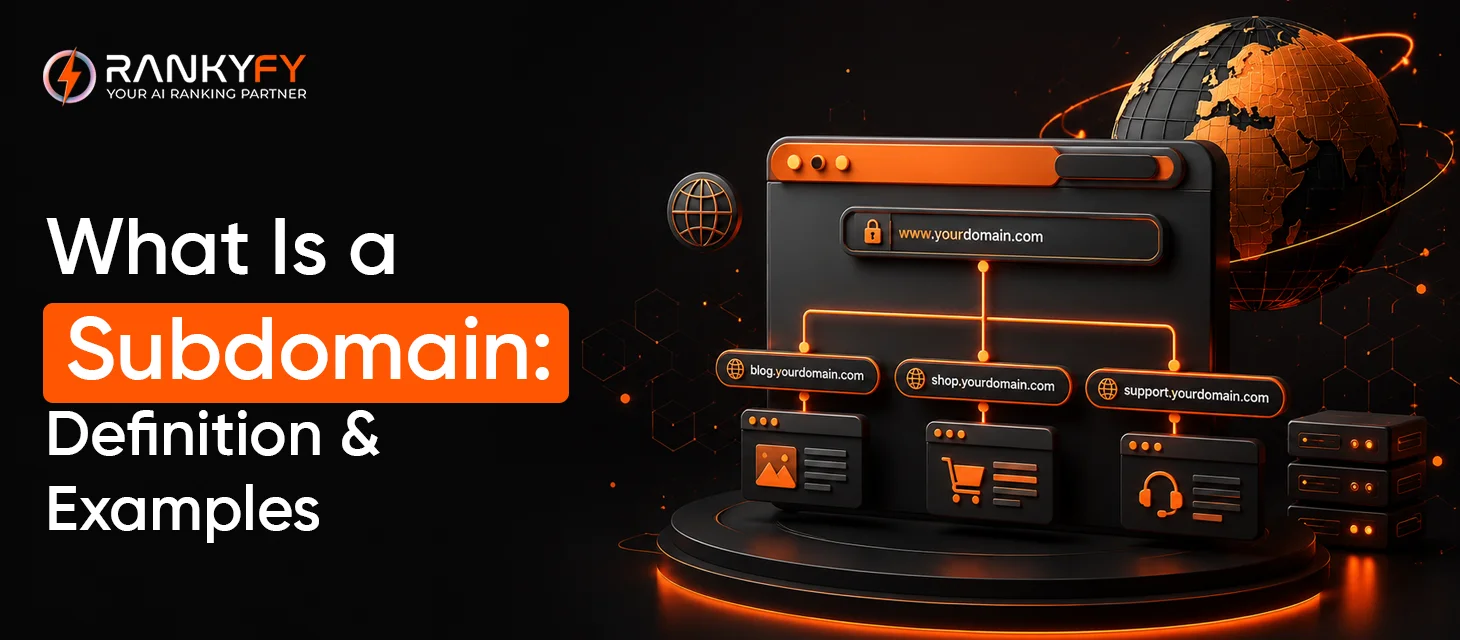
blog.example.com
Here:
-
example.com = main domain
-
blog = subdomain
-
blog.example.com = complete subdomain address
A website owner can create multiple subdomains under the same primary domain.
For example:
| Subdomain | Typical Purpose |
|---|---|
| blog.example.com | Blog or publications |
| shop.example.com | Online store |
| support.example.com | Customer support |
| docs.example.com | Documentation |
| app.example.com | Web application |
| careers.example.com | Recruitment and job listings |
| members.example.com | Member area |
How Does a Subdomain Work?
To understand better, consider your primary domain as the main website address. Beneath it, you can create more separate sections by adding relevant labels before the domain.
Here’s an example:
example.com
Separate sections:
-
blog.example.com
-
shop.example.com
-
support.example.com
Each subdomain can have its own:
-
Content
-
Navigation
-
Design
-
Hosting configuration
-
CMS
-
Analytics setup
-
Technical configuration
This flexibility makes subdomains useful when different parts of a business need to operate somewhat independently.
Subdomain Examples
Subdomains are commonly used by businesses for specific functions.
1. Blog Subdomain
blog.example.com
A company may use this to host articles, guides, news, and educational content.
2. Ecommerce Subdomain
shop.example.com
This can separate the company's shopping experience from its main corporate website.
3. Support Subdomain
support.example.com
Content that offers customer services can be hosted here. For example, articles, FAQs and troubleshooting documentation.
4. Documentation Subdomain
docs.example.com
Software companies often use this structure for technical documentation.
5. Application Subdomain
app.example.com
This is commonly used for logged-in dashboards and web applications.
6. Regional Subdomain
A company may use subdomains to organize regional experiences. However, country-specific structures can also involve country-code domains or subdirectories.
For example:
-
uk.example.com
-
de.example.com
-
fr.example.com
The best structure depends on the organization's international SEO strategy.
Evaluate Your Subdomain and Strengthen Your Website’s Overall Technical Health with RankyFy!
Subdomain vs Subdirectory
Choosing between a subdomain and subdirectory is often a vital decision in website architecture.
A subdirectory places content inside the primary domain:
example.com/blog/
A subdomain uses a separate hostname:
blog.example.com
Here's an easy comparison:
| Feature | Subdomain | Subdirectory |
|---|---|---|
| Example | blog.example.com | example.com/blog/ |
| Separate hostname | Yes | No |
| Can have separate infrastructure | Yes | Usually shares main site infrastructure |
| Useful for independent sections | Yes | Yes |
| Easier to keep under one domain structure | Less centralized | More centralized |
| SEO management | Can require additional coordination | Often simpler |
| Suitable for apps/tools | Often useful | Also possible |
Neither structure is automatically better in every situation.
Does a Subdomain Affect SEO?
The answer is yes.
The reason behind this is that search engines may treat your subdomains as distinct hostnames, and this can have SEO implications.
However, this doesn't mean that using a subdomain automatically hampers your rankings. How your subdomains are structured, linked, maintained, and optimized is what matters here.
For example, if your main website is:
example.com
and your blog is:
blog.example.com
you need to make sure the relationship between the two is clear through appropriate internal linking and consistent branding.
Subdomains can also require additional SEO management. This is because they may have separate technical and performance considerations.
When Should You Use a Subdomain?
Subdomains are essential when a section of your website has genuine different purpose or operational requirement.
1. Web Applications
If your business has an online application, you might use:
app.example.com
This keeps the application environment separate from the marketing website.
2. Customer Support
A support center can use:
support.example.com
This can make support content easier to organize and manage.
3. Documentation
Software businesses frequently separate technical documentation:
docs.example.com
4. Ecommerce
A business with a technically separate shopping platform might use:
shop.example.com
5. Large Organizations
Large businesses may have separate teams or platforms requiring different infrastructure and management.
When Should You Avoid a Subdomain?
A subdomain isn't always necessary.
If you're simply trying to organize blog content, for example, you could use:
example.com/blog/
instead of:
blog.example.com
A subdirectory can be simpler when the content is closely integrated with the primary website.
Before creating a subdomain, consider:
-
Does this section require separate infrastructure?
-
Does it serve a substantially different purpose?
-
Will separate teams manage it?
-
Will the content benefit from being closely integrated with the main website?
-
Can the same goal be achieved with a subdirectory?
Advantages of Using Subdomains
Subdomains provide several practical benefits.
| Advantage | Why It Matters |
|---|---|
| Separation | Keeps different website functions organized |
| Flexibility | Allows different technologies or platforms |
| Scalability | Useful for large websites |
| Independent management | Different teams can manage different sections |
| Clear organization | Makes functional areas easy to identify |
| Technical freedom | Different environments can be configured separately |
For companies with complex digital ecosystems, this separation can make website management significantly easier.
Disadvantages of Subdomains
Subdomains also introduce additional complexity.
Additional SEO Management
You may need to monitor and optimize another hostname separately.
More Technical Configuration
DNS, hosting, SSL, analytics, tracking, and other configurations may require additional setup.
Potentially Less Centralized Architecture
Content distributed across multiple hostnames can make website management more complicated.
Internal Linking Becomes Important
You need clear connections between your main domain and subdomains when the sections are related.
Evaluate Your Subdomain and Strengthen Your Website’s Overall Technical Health with RankyFy!
Common Subdomain Mistakes
Creating Subdomains Without a Clear Purpose
Don't create a subdomain simply because it looks professional. There should be a practical reason.
Forgetting Technical SEO
Each subdomain should be checked for:
-
Crawlability
-
Indexability
-
HTTPS
-
Page speed
-
Broken links
-
Canonicalization
-
XML sitemaps
-
Poor Internal Linking
If related content exists across the main domain and subdomain, make the relationship clear through useful links.
Treating Subdomains as Separate and Isolated
Although technically separate, subdomains may still be a part of the entire brand and user journey.
Moving Content Without a Redirect Strategy
Plan URL redirects strategically as you move pages between a domain and subdomain.
How Subdomains Can Be Used in SEO
Your subdomain can be a part of a broader SEO strategy. It can solve a genuine structural or technical need.
| example.com |
|---|
| ↓ |
| blog.example.com |
| ↓ |
| SEO educational content |
The main website might focus on products or services. The subdomain provides supporting educational resources.
The important thing is to ensure that both environments provide value and are technically accessible to search engines where appropriate.
How RankyFy Can Help Audit a Subdomain

When managing a website with multiple subdomains, maintaining visibility across the entire web can become more complicated.
RankyFy can help businesses evaluate technical and on-page SEO issues through its website auditing capabilities.
An SEO audit can help identify areas such as:
| SEO Area | What to Check |
|---|---|
| Technical SEO | Crawlability and technical errors |
| On-Page SEO | Titles, headings, and meta information |
| Links | Broken and internal links |
| Performance | Page speed and performance issues |
| Content | Quality and optimization opportunities |
| Site Structure | Organization and navigation |
| Indexing | Potential indexing-related problems |
Subdomain SEO Best Practices
Follow the given subdomain SEO best practices to ensure overall optimum performance:
1. Define a Clear Purpose
Each of your subdomains should clearly serve a distinct function.
2. Track Consistent Branding
Monitor user experiences across related sections.
3. Use HTTPS
Secure all subdomains properly with HTTPS.
4. Build Useful Internal Links
Connect relevant content between your primary domain and subdomains.
5. Track Your Technical Health
Regularly monitor indexing, redirects, broken links, etc.
6. Keep Content High Quality
A subdomain should not become a dumping ground for thin or low-value content.
7. Plan Migrations Carefully
If you later move content between a subdomain and subdirectory, use an appropriate redirect strategy.
Subdomain Checklist
Before launching a subdomain, use this checklist:
| Inquire |
|---|
| Does the subdomain have a clear purpose? |
| Is HTTPS configured? |
| Is the DNS configuration correct? |
| Is the subdomain crawlable where appropriate? |
| Are important pages indexable? |
| Are internal links working? |
| Is the content unique and useful? |
| Are analytics and tracking configured? |
| Are redirects configured correctly? |
| Has the subdomain been included in your SEO monitoring process? |
Evaluate Your Subdomain and Strengthen Your Website’s Overall Technical Health with RankyFy!
Final Thoughts
For businesses trying to decide whether a subdomain or subdirectory fits their goals, RankyFy offers SEO analysis tools that help evaluate site structure, crawlability, and overall technical health from a single dashboard.
Ready to make sure your website structure supports your SEO goals? Try RankyFy today and get clarity on the best way to organize your site.
What to read next

What is a Domain? A Simple Guide to Domain Types & Examples
A domain is the unique web address people type into a browser to reach a...
Read More
What Does a 404 Error Mean? Explained
A 404 error is a standard HTTP status code that appears when a web server...
Read More
Why is a robots.txt File Important?
A robots.txt file is a simple text file placed in a website's root directory that...
Read More
How to Optimize Images for Better Search Engine Rankings
Images are an important part of modern websites, helping make content more engaging, informative, and...
Read More