Table of content
- What Is Google Maps Scraping?
- Why Scrape Data From Google Maps?
- What Data Can You Scrape From Google Maps?
- How to Scrape Data From Google Maps
- RankyFy: A Top Tool to Scrape and Analyze Google Maps Data
- How to Clean Google Maps Data
- How to Use Google Maps Data for Local SEO
- How to Use Maps Data for Lead Generation
- Google Maps Scraping Best Practices
- Google Maps Scraping Methods Compared
- Common Google Maps Scraping Mistakes
- Last Thoughts
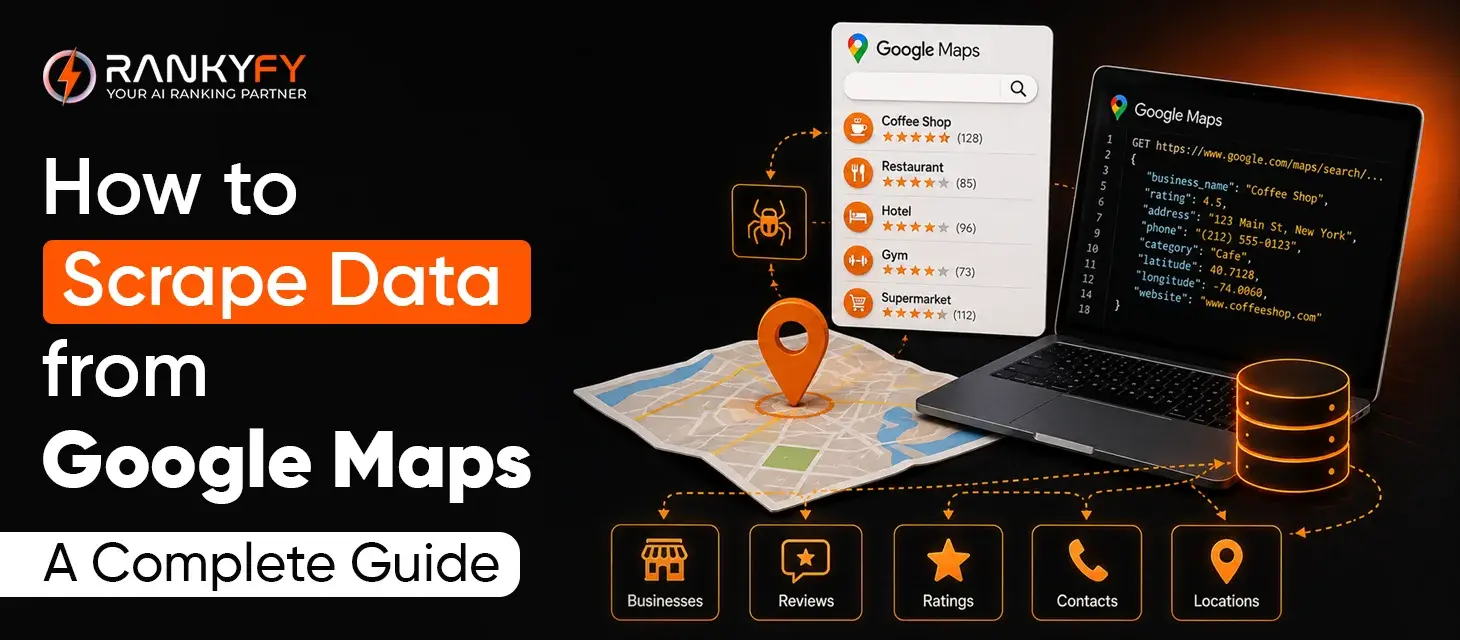
How to scrape data from Google Maps is a common question among modern sales teams, local marketers, and data analysts looking to build hyper-targeted B2B lead lists, track competitor locations, or conduct regional market research. Extracting details like names, addresses, phone numbers, and websites unlocks valuable real-world insights. However, diving into Google Maps data requires navigating dynamic interfaces, strict rate limits, and the platform's native display caps.
This comprehensive guide walks you through everything from simple no-code browser extensions to scalable cloud scrapers and programmatic workflows, helping you extract accurate geographic data efficiently and safely.
Turn Google Maps Scrape Data into Growth Opportunities with RankyFy
What Is Google Maps Scraping?
Google Maps scraping is the process of collecting publicly displayed information from Google Maps business listings and converting it into structured data.
Depending on the listing and the tool being used, information may include:
-
Business name
-
Business category
-
Address
-
Phone number
-
Website
-
Google Maps URL
-
Rating
-
Review count
-
Business hours
-
Location information
-
Other publicly displayed business details
Instead of opening individual listings and manually copying information into a spreadsheet, a scraping tool can automate much of the process.
Why Scrape Data From Google Maps?
Google Maps scraping can support several marketing and business intelligence activities.
Local Lead Generation
Sales and marketing teams can discover businesses operating within a particular industry and location.
Local SEO Research
SEO professionals can analyze businesses appearing in local searches and identify competitors.
Competitor Research
Maps data can help businesses understand who their local competitors are and how they compare.
Market Research
Companies can examine business density, categories, locations, ratings, and other publicly displayed information.
Prospect Segmentation
Collected data can be organized by industry, location, rating, or other relevant criteria.
What Data Can You Scrape From Google Maps?
The information available depends on the listing and collection method. Common fields include:
| Data Field | Potential Use |
|---|---|
| Business Name | Business identification |
| Category | Industry segmentation |
| Address | Geographic targeting |
| Phone Number | Business research |
| Website | SEO and website analysis |
| Rating | Reputation research |
| Review Count | Competitor comparison |
| Business Hours | Market research |
| Maps URL | Listing verification |
| Location | Geographic analysis |
Before starting a scraping project, decide which fields you actually need. Collecting unnecessary information can make your dataset harder to manage and analyze.
How to Scrape Data From Google Maps
Method 1: Manual Data Collection
The simplest approach is to search Google Maps and manually record information.
Basic Process
-
Open Google Maps.
-
Search for a business category and location.
-
Review relevant listings.
-
Copy the required information.
-
Add the information to Excel or Google Sheets.
-
Repeat the process.
Advantages
-
No technical setup
-
Easy to understand
-
Suitable for small datasets
-
Allows manual verification
Disadvantages
-
Extremely time-consuming
-
Difficult to scale
-
Higher possibility of human error
-
Inefficient for hundreds of listings
Manual research makes sense when you need information from only a small number of businesses.
Method 2: Use a Google Maps Scraping Tool
A dedicated Google Maps scraper like RankyFy is generally more practical when you're working with larger datasets.
The typical workflow looks like this:
Step 1: Enter a Search Query
Start with a specific query such as:
"Dentists in Manchester"
or
"Real estate agencies in Dubai Marina."
Step 2: Define Your Location
Specify the city, neighborhood, region, or geographic area you're researching.
Step 3: Select Required Data
Choose the fields you want to collect, such as:
-
Business name
-
Category
-
Address
-
Phone
-
Website
-
Rating
-
Reviews
Step 4: Run the Scraping Process
The tool processes the relevant listings and extracts the selected information.
Step 5: Export the Results
Depending on the platform, data may be exported to:
-
CSV
-
Excel
-
Google Sheets
-
JSON
-
Database systems
Step 6: Clean the Data
Remove duplicates, incomplete records, and businesses that aren't relevant to your research.
Method 3: Use a Browser Extension
Browser extensions provide another relatively simple way to collect Maps information.
A typical workflow involves:
-
Install a suitable browser extension.
-
Open Google Maps.
-
Run a location-based search.
-
Start the extraction process.
-
Review the collected records.
-
Export the data.
Advantages
-
Easy to set up
-
Minimal technical knowledge
-
Useful for small or medium-sized projects
Limitations
-
Capabilities vary between extensions
-
Large-scale collection may be less practical
-
Data quality may require additional verification
Method 4: Use an API
Businesses developing applications or automated data workflows may consider an official API-based approach.
APIs can provide structured location and place information without requiring a conventional webpage scraping workflow.
They can be useful for:
-
Location-based applications
-
Internal databases
-
Business directories
-
Automated workflows
-
Mapping applications
API availability, pricing, quotas, and data fields depend on the particular Google Maps Platform services being used. Always review the current documentation and applicable terms before implementing an automated system.
Method 5: Build a Custom Scraper
Developers with specific requirements can create a custom data-collection system using appropriate browser automation or other technical approaches.
A typical architecture could look like:
| Search Query → Data Collection → Extraction → Cleaning → Validation → Database |
A custom solution provides greater control over:
-
Data fields
-
Processing rules
-
Scheduling
-
Deduplication
-
Storage
-
Integrations
However, custom scrapers require development and ongoing maintenance.
RankyFy: A Top Tool to Scrape and Analyze Google Maps Data
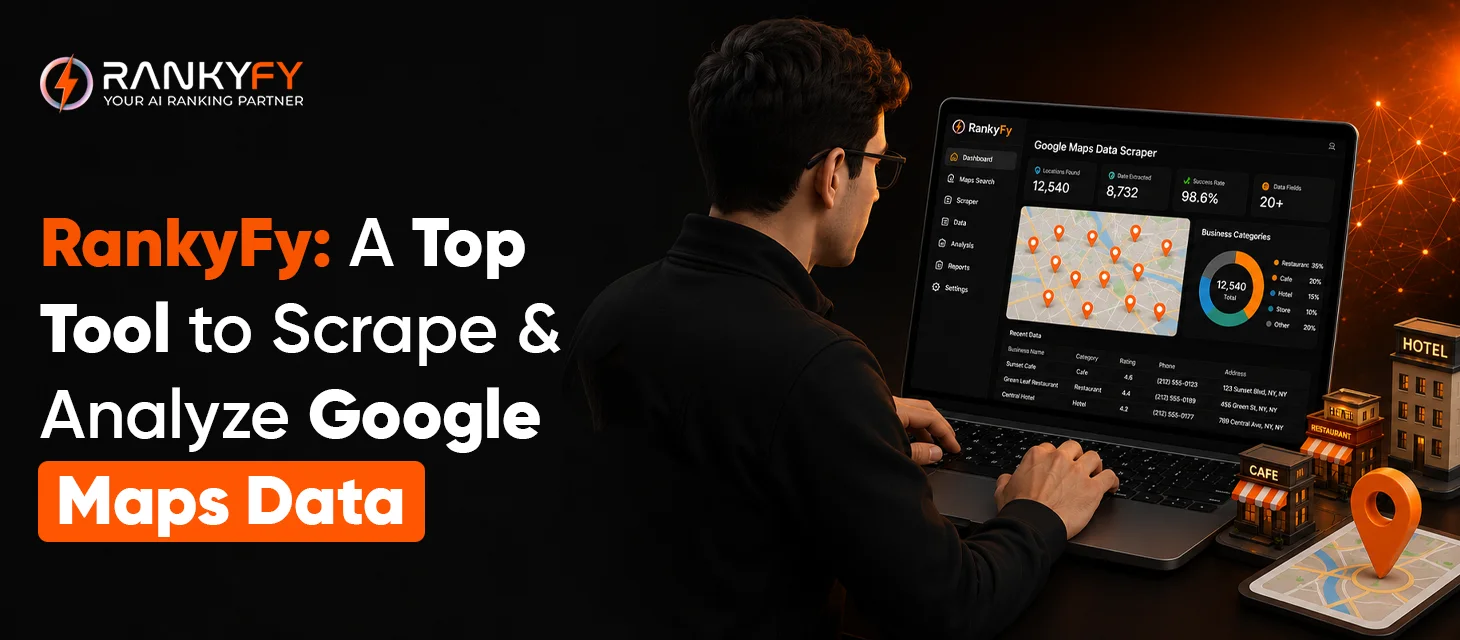
For marketers and SEO professionals, RankyFy is a useful tool for combining Google Maps data with broader SEO and competitor research.
Rather than treating Maps data as a standalone list of businesses, RankyFy can help turn location-based business information into actionable SEO intelligence.
This can be particularly useful when researching local competitors, potential clients, businesses in specific industries, and local search opportunities.
Why Consider RankyFy?
-
Simplifies business and local data research
-
Supports competitor analysis
-
Helps organize SEO-related insights
-
Can complement local SEO workflows
-
Helps identify businesses and market opportunities
-
Connects research with broader SEO analysis
This makes the workflow more valuable than simply creating a spreadsheet of business names.
How to Clean Google Maps Data
Raw Maps data usually needs cleaning before it can be used effectively.
Remove Duplicate Listings
The same business may appear in multiple searches. Use fields such as business name, address, phone number, and website to identify duplicates.
Standardize Phone Numbers
Use a consistent format, especially when collecting businesses from multiple countries.
Normalize Categories
Different businesses may use slightly different category labels. Standardizing them makes segmentation easier.
Validate Websites
Check that URLs are valid and correspond to the correct business.
Remove Irrelevant Businesses
Search results may contain businesses outside your intended category. Remove them before using the dataset.
How to Use Google Maps Data for Local SEO
Maps data can be particularly valuable for local SEO research.
An SEO agency working with restaurants, for example, could analyze businesses in a particular city and compare:
-
Ratings
-
Review counts
-
Categories
-
Locations
-
Websites
-
Competitors
-
Local search presence
This can help identify areas where competition is particularly strong and where potential optimization opportunities exist.
How to Use Maps Data for Lead Generation
Google Maps scraping is also commonly used to build business prospect lists.
For example:
Search: "Plumbers in Toronto"
A basic workflow might be:
| Google Maps → Business Data → Cleaning → Qualification → CRM → Outreach |
However, collecting publicly displayed business information doesn't automatically give you permission to contact people for marketing purposes. Any outreach should comply with applicable privacy, telemarketing, and anti-spam requirements.
Google Maps Scraping Best Practices
1. Define Your Objective
Know why you're collecting the data before beginning the project.
2. Collect Only Necessary Data
Avoid collecting information that isn't relevant to your legitimate purpose.
3. Keep Your Dataset Clean
Remove duplicate, incomplete, and irrelevant records.
4. Verify Important Information
Business details can change. Verify critical information before using it for business decisions.
5. Respect Applicable Policies
Review Google's current terms, relevant API requirements, and applicable laws before automating data collection.
6. Protect Collected Data
If your dataset contains personal information, store and process it responsibly and comply with applicable privacy requirements.
Google Maps Scraping Methods Compared
| Method | Best For | Scalability | Technical Skill |
|---|---|---|---|
| Manual research | Small datasets | Low | Low |
| Browser extension | Small/medium projects | Medium | Low |
| Dedicated scraper | Larger datasets | High | Low–Medium |
| API | Applications | High | Medium–High |
| Custom solution | Specialized workflows | Very High | High |
Common Google Maps Scraping Mistakes
Scraping Without a Purpose
Collecting thousands of records isn't useful if you don't know how the information will be applied.
Ignoring Data Quality
A smaller dataset with accurate information is often more valuable than a huge dataset containing duplicates.
Collecting Too Much Information
Focus on data relevant to your research or legitimate business purpose.
Forgetting Geographic Segmentation
Separate data by city, neighborhood, region, or other useful geographic categories.
Never Updating Your Dataset
Businesses move, close, change websites, and update contact details. Treat scraped information as a snapshot and refresh it when accuracy matters.
Turn Google Maps Scrape Data into Growth Opportunities with RankyFy
Last Thoughts
Want to start your Google Maps and SEO research with a reliable tool?
Choose RankyFy and turn Google Maps data into opportunities for SEO, research, and analysis.
Explore the RankyFy dashboard today!
What to read next

9 Reasons Why an SEO Audit Is Important For Your Site’s Success
An SEO audit is a systematic review of a website's technical health, on-page elements, content...
Read More
How to Audit Backlinks with the RankyFy Tool
Audit Backlinks with the RankyFy Tool to protect your website from search engine penalties and...
Read More
How to Find Competitors’ Backlinks with the RankyFy Tool
RankyFy Tool helps analyze competitors’ backlinks and uncover the link-building tactics supporting their search visibility....
Read More
How to Find Low-Competition Keywords With RankyFy Keyword Difficulty Checker
To find low-competition keywords using the RankyFy Keyword Difficulty Checker, you must filter for scores...
Read More