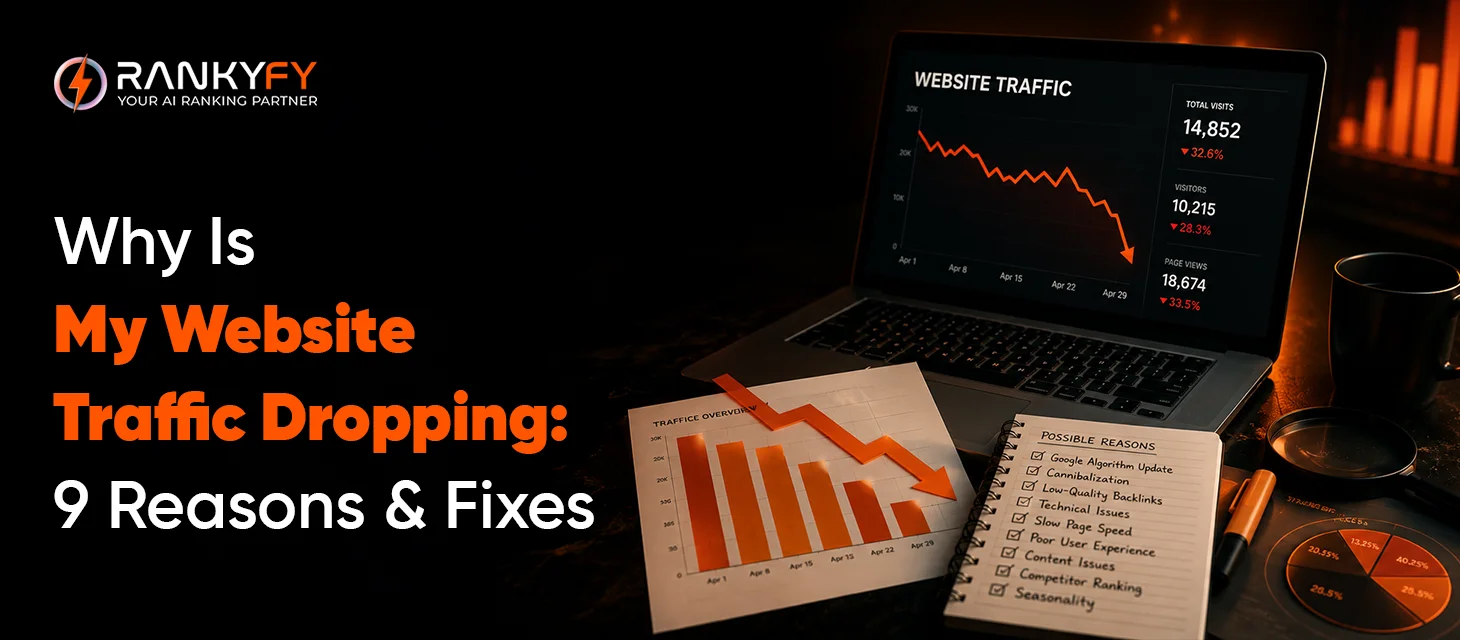
A sudden or gradual drop in website traffic can be a major concern for any website owner. Whether caused by algorithm changes, technical issues, content performance declines, or increased competition, a decline in visitors can directly impact leads, conversions, and revenue.
The first step toward recovery is identifying the real cause behind the drop. This guide explores the nine most common reasons for declining website traffic along with practical solutions to help restore your rankings, visibility, and organic growth.
Traffic Dropped Suddenly? Enter your URL on RankyFy and Get Actionable Fixes
Why Does Website Traffic Drop?
Website traffic fluctuation is natural. However, recurring or significant website traffic drops usually point to a bigger problem.
Here are some of the most common reasons:
-
Google algorithm updates
-
Technical SEO errors
-
Lost keyword rankings
-
Outdated content
-
Stronger competitors
-
Poor user experience
-
Tracking errors
The best approach is to identify the primary cause prior to SEO strategy modification.
Reason #1: Google Algorithm Updates
Google updates its algorithm regularly to improve its search quality. Any major update can impact your website rankings, especially if your website does not align with the latest quality guidelines.
How to Fix It?
-
Regular Pages review
-
Better content quality
-
Stronger E-E-A-T
-
Update outdated articles
-
Emphasis on User Intent
Reason #2: You've Lost Keyword Rankings
When important keywords drop from the top Google pages, organic traffic drops too.
What are the common causes?
-
Increased competition
-
Better competitor content
-
Weak backlinks
-
Content becoming outdated
How to Fix It?
-
Track keyword rankings
-
Update content
-
Add new, valuable sections
-
Enhance internal linking
-
Build quality backlinks
Reason #3: Technical SEO Problems
Technical SEO issues can obstruct search engines from crawling and indexing your website.
Here are some top examples:
-
Broken pages
-
Crawl errors
-
Redirect loops
-
Server downtime
-
Robots.txt mistakes
-
Missing XML sitemaps
How to Fix It?
Run regular comprehensive website audits. This helps identify and resolve any technical discrepancies before they impact more pages.
Reason #4: Important Pages Were Removed or Deindexed
Many times, your website traffic can drop if valuable pages are deleted or blocked from indexing.
How to Fix It?
-
Check your indexed pages.
-
Restore important deleted pages where appropriate.
-
Fix incorrect redirects.
-
Remove accidental noindex directives.
-
Submit sitemaps to Google
Reason #5: Your Content Has Become Outdated
User search intent changes with time. So, the articles that once ranked well may fall behind the information users expect today.
What are the reasons?
-
Outdates statistics
-
Incomplete content
-
Broken references
How to Fix It?
-
Update facts and examples.
-
Add new sections.
-
Improve readability.
-
Include recent industry developments.
-
Update images and screenshots
Reason #6: Poor User Experience Is Driving Visitors Away
A poor user experience can reduce engagement even if your website ranks well.
What are the reasons for a poor user experience?
-
High bounce rates
-
Slow pages
-
Unclear navigation
-
Intrusive pop-ups
How to Fix It?
The best approach is to offer a seamless browsing experience by:
-
Improving page load speed
-
A mobile-compatible website design
-
Simplifying navigation
-
Structuring long content into headings and visuals
-
Lowering intrusive advertisements
Reason #7: Weak Internal Linking
Internal links play an important role in helping search engines understand your website structure. They also guide your visitors to relevant content.
Many website pages with low internal links struggle to gain visibility.
How to Fix It?
Create a logical internal linking strategy by:
-
Linking related blog posts.
-
Connecting service pages to supporting content.
-
Using descriptive anchor text.
-
Tracking orphan pages
Reason #8: Your Competitors Have Improved Their SEO
Search rankings are highly relative. So, even if your website has not changed, your competitors can push past you with a better SEO approach.
How to Fix It?
Regular competitor analysis is the best approach to identify opportunities.
Analyse:
-
New content they've published.
-
Keywords they recently started ranking for.
-
Strong backlink sources.
-
Better page structure.
-
Meaningful and interactive content
Reason #9: Tracking or Analytics Problems
Sometimes, the website traffic has not dropped, but your analysis is inaccurate.
Common tracking issues include:
-
Broken Google Analytics tags.
-
Incorrect Google Tag Manager configuration.
-
Missing conversion tracking.
-
Recent website redesigns affecting analytics.
-
Filters excluding legitimate traffic.
How to Fix It?
Before making SEO changes:
-
Carefully verify your analytics implementation
-
Compare and evaluate your data across Google Analytics and Google Search Console
-
Check whether tracking codes fire correctly.
-
Review recent updates
-
Use a reliable SEO website traffic checker like RankyFy
Common Causes of Website Traffic Drops
| Cause | Impact on Traffic | Recommended Fix |
|---|---|---|
| Google algorithm update | Ranking fluctuations | Improve content quality and E-E-A-T |
| Lost keyword rankings | Lower organic visibility | Refresh and optimize content |
| Technical SEO issues | Crawl and indexing problems | Run a complete website audit |
| Removed pages | Lost rankings | Restore or redirect important URLs |
| Outdated content | Declining engagement | Update and expand articles |
| Weak backlinks | Reduced authority | Earn quality backlinks |
| Poor page speed | Higher bounce rate | Improve Core Web Vitals |
| Internal linking issues | Lower crawl efficiency | Strengthen internal links |
| Analytics errors | Misleading traffic reports | Verify tracking setup |
How RankyFy Helps You Identify and Recover Lost Website Traffic

The first step towards recovering lost traffic is to understand what has changed. RankyFy simplifies this process with easy-to-understand insights and an overview. This allows users to identify the real setbacks and improvement opportunities.
RankyFy automates this entire process by reviewing every page on your website in one go. So, instead of manually performing audits, RankyFy executes and presents an easy-to-understand, downloadable report.
Key capabilities include:
-
Site-wide SEO audit in minutes
-
Individual Scores for easy understanding
-
Heading structure analysis
-
Duplicate content detection
-
Internal backlink insights
-
Image optimization reports
-
Metadata analysis
-
Readability and keyword density metrics
-
Actionable SEO recommendations
So, whatever the reason for your website traffic dropping, RankyFy highlights every setback and prioritizes the fixes for you. It enables you to create better structure, user-search-intent-focused content that positions you on every search platform.
How RankyFy Helps Solve Traffic Drop Issues
| Website Traffic Issue | RankyFy Feature | Benefit |
|---|---|---|
| Declining keyword rankings | SEO Score & On-Page Analysis | Identifies pages needing optimization |
| Technical SEO issues | Website Audit | Detects crawl, indexing, and performance issues |
| Thin or outdated content | Content Score | Highlights opportunities to improve content quality |
| Duplicate content | Duplicate Content Detection | Prevents keyword cannibalization |
| Poor page structure | Heading Structure Analysis | Improves readability and search relevance |
| Weak internal linking | Internal Backlink Insights | Strengthens site architecture |
| Missing metadata | Metadata Analysis | Improves click-through rates |
| Image optimization issues | Image SEO Reports | Enhances accessibility and page performance |
| Overall website health | Site-Wide Content Metrics | Provides a complete overview of SEO performance |
How to Prevent Future Website Traffic Drops
Although website traffic fluctuations are inevitable, given below are some practices that can reduce traffic drops:
-
Run monthly SEO audits
-
Update older content regularly.
-
Keep track of top keywords and search trends
-
Enhance the page load speed
-
Improve Core Web Vitals
-
Create and publish meaningful content
-
Build strong internal links
-
Monitor your technical health
-
Regular competitor analysis
With consistent efforts, you can manage any traffic fluctuation in the long term.
Traffic Dropped Suddenly? Enter your URL on RankyFy and Get Actionable Fixes
Last Thoughts
Looking for a reliable website traffic checker tool to track traffic fluctuations?
RankyFy is a complete SEO toolkit to monitor and manage sudden traffic drops. Try automated traffic analysis and fixes with an intuitive dashboard. Sign up on RankyFy today!
What to read next

9 Reasons Why an SEO Audit Is Important For Your Site’s Success
An SEO audit is a systematic review of a website's technical health, on-page elements, content...
Read More
How to Scrape Data from Google Maps: A Complete Guide
How to scrape data from Google Maps is a common question among modern sales teams,...
Read More
How to Audit Backlinks with the RankyFy Tool
Audit Backlinks with the RankyFy Tool to protect your website from search engine penalties and...
Read More
How to Find Competitors’ Backlinks with the RankyFy Tool
RankyFy Tool helps analyze competitors’ backlinks and uncover the link-building tactics supporting their search visibility....
Read More